IPTV on Apple TV setup USA: the honest picture first
Apple TV is the most locked-down box in this whole niche, and that shapes everything about IPTV on Apple TV. There is no Downloader, no sideloading, no APK files and no unknown-sources toggle — every player app must come from the App Store, and Apple only lists players that follow its rules. The good news is that the two best players for the box are both in the store: IPTV Smarters Pro, which is free, and iPlayTV, which costs about $6 as a one-time purchase. Both take the same Xtream Codes login, both show the EPG, and both play 4K HDR without trouble on the Apple TV 4K. The bad news is only that the choice is smaller than on a Firestick, and the Siri Remote takes a day to get used to.
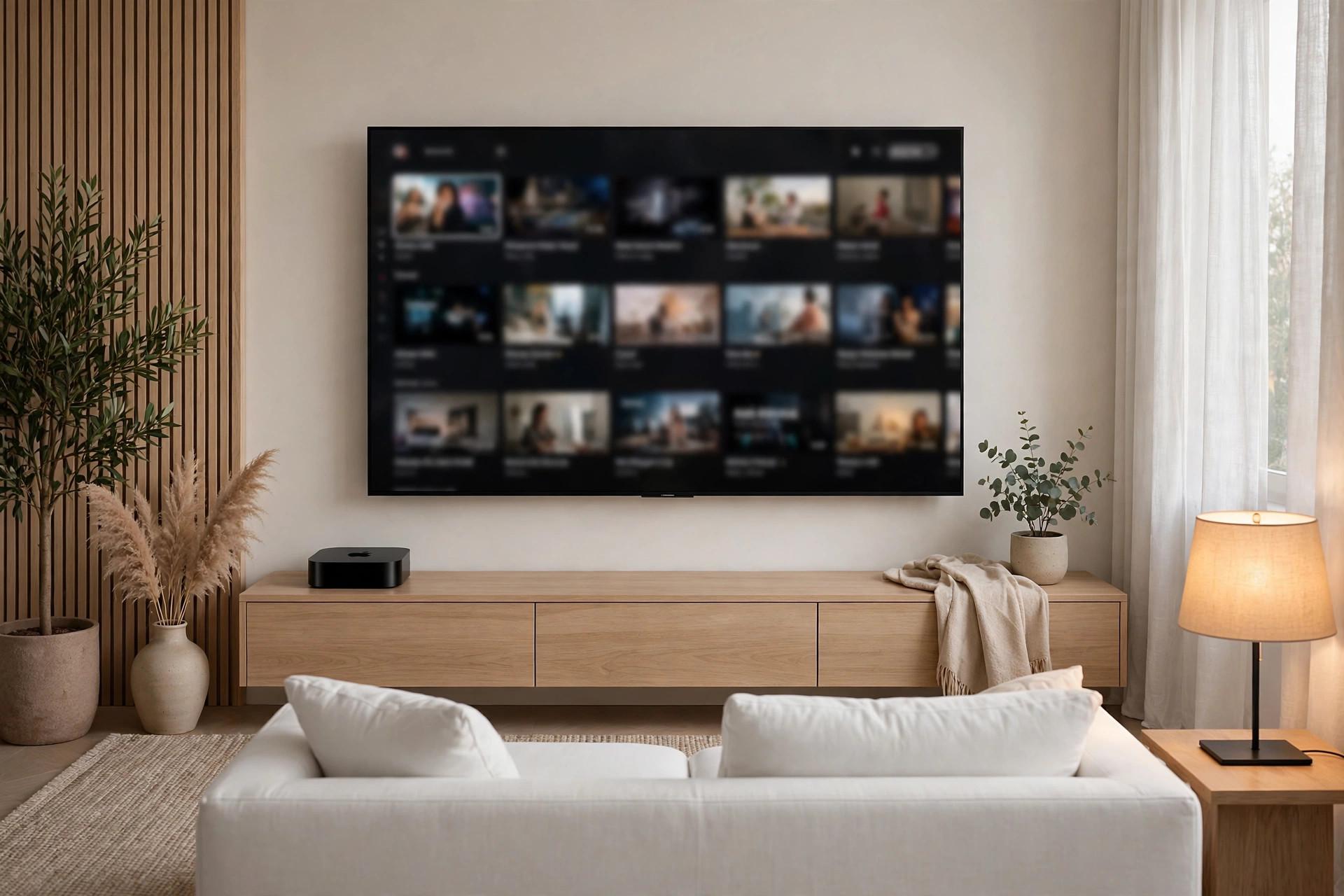
The Apple TV 4K in its 2022 model — the one with the A15 chip, 64 GB or 128 GB of storage and the USB-C Siri Remote — is the set-top box to buy if the house is already Apple. It supports Dolby Vision, HDR10+, Dolby Atmos, and it has a gigabit Ethernet port on the 128 GB model, which is the version to pick for IPTV because a wired connection beats Wi-Fi for evening games. The Apple TV HD, the older 1080p model, still runs both players and still plays the subscription, but it caps at 1080p and its A8 chip loads a 57,000-channel EPG slowly. Either way, the subscription is the same — Basic from $14.99 a month, Premium from $19.99 — and the plans page lists the yearly and multi-device prices.
Install IPTV Smarters Pro on Apple TV 4K
Open the App Store on the Apple TV, search for IPTV Smarters Pro, and install it — the download takes under a minute on a normal connection, and the app is free. Open it and the first screen offers Login with Xtream Codes API or Load Your Playlist or File/URL. Choose Xtream Codes, type a playlist name such as Top IPTV USA, then the username, password and server URL from the WhatsApp message, and tap Add User. Typing on Apple TV is the slow part: the on-screen keyboard is a single row of letters, so use the iPhone as a keyboard — open the Apple TV Remote in Control Center on the iPhone, tap the keyboard icon, and paste the password straight from WhatsApp. That one trick cuts the login from five minutes to thirty seconds.
Smarters Pro on Apple TV shows the same home screen as on other devices: Live TV, Movies, Series and TV Guide as separate tiles, with the EPG under the guide tile. The app supports multi-screen, so two games can play side by side on a big TV, and it supports AirPlay in reverse — start a stream on the iPhone and send it to the Apple TV from the player screen. The Siri Remote touchpad scrolls the channel list fast once you learn the gesture: a firm swipe moves a page at a time, and a light touch moves one channel. Press and hold the Menu button to jump back to the home screen from any menu, and press the TV button to open Control Center without leaving the app.
iPlayTV: the paid alternative worth knowing
iPlayTV costs about $6 as a one-time purchase on the App Store, and it is the player Apple TV owners graduate to when they want a cleaner, remote-first interface. It takes Xtream Codes and M3U playlists, it shows the EPG in a grid that looks like a cable guide, and it handles favorites, catch-up and multi-room viewing without the busier home screen that Smarters Pro has. Setup is the same form: server URL, username, password, then a sync that takes one to three minutes. The app has no free trial of its own, but six dollars is a small price for the player most Apple TV owners keep, and the purchase is tied to your Apple ID, so it follows you to a new Apple TV without paying again.
- Install IPTV Smarters Pro free, or iPlayTV for about $6, from the App Store.
- Choose Login with Xtream Codes API and type the three login values from WhatsApp.
- Use the iPhone keyboard in Control Center to paste the password without mistakes.
- Wait one to three minutes for the first sync of channels, VOD and EPG.
- Open the TV Guide and check that programme names load for tonight.
- Add the player to the Apple TV home screen top row for one-click access.
Which player should you pick? Start with Smarters Pro because it is free — run the 24-hour trial through it, test the guide, the movies and a live game at 8 PM, and only then decide whether the six dollars for iPlayTV is worth it. Most households keep Smarters Pro and never look back, because the free app does everything the subscription needs. The one thing neither player does is record: Apple TV has no USB storage and tvOS blocks background recording, so a game you cannot watch live needs catch-up on the channel or a recording on another device. The recording setup guide explains the catch-up and recording options across devices.
Set up the EPG and favorites on Apple TV
The EPG in Smarters Pro loads with the Xtream Codes login and shows under the TV Guide tile. The guide covers the current programme and the next one per channel, and tapping a programme shows its description and times. If the guide shows the wrong times, the Apple TV clock is the cause: open Settings, then General, then Date and Time, and set it to automatic — the box reads the time from Apple servers, so a manual setting that is hours off shifts the whole grid. Set the guide to refresh on app start under the app settings, and leave the interval at 12 hours. Channels with a clock icon in the guide support catch-up, so scrolling back on those channels plays programmes that already aired.
Favorites on Apple TV work from any channel list: highlight a channel, press and hold the touchpad, and choose Add to Favorites. The favorites row then sits at the top of Live TV, and it syncs across the app, not the box, so it follows the login rather than the device. The Siri Remote search is the fastest way to find anything: hold the Siri button and say the channel name — ESPN, HBO, FOX Sports 1 — and the box jumps to it without scrolling. Voice search also finds movies and series by title, which beats typing on the single-row keyboard every time. The EPG setup guide covers guide sources, time zones and catch-up windows in more detail.
Apple TV 4K picture and audio settings for IPTV
Apple TV has the best picture pipeline of any streaming box, and two settings decide whether you see it. Open Settings, then Video and Audio, then Format, and choose 4K SDR at 60 Hz as the base format — then turn on Match Content for both Dynamic Range and Frame Rate. That combination is the one Apple itself recommends: the interface stays in SDR, which is fast and clean, and the box switches to HDR10+ or Dolby Vision only when the stream actually carries it, and to 24 fps only when the film needs it. Setting the base format to 4K HDR forces everything into HDR, which makes the interface look oversaturated and makes SDR channels look wrong.
| Setting | Where to find it | Recommended value |
|---|---|---|
| Format | Settings, Video and Audio | 4K SDR 60 Hz |
| Match Dynamic Range | Settings, Video and Audio | On |
| Match Frame Rate | Settings, Video and Audio | On |
| Audio Format | Settings, Video and Audio | Auto, Atmos Available |
| Reduce Loud Sounds | Settings, Video and Audio | Off for movies |
Audio on the Apple TV 4K supports Dolby Atmos over HDMI ARC to a soundbar or receiver, and the setting sits under Settings, then Video and Audio, then Audio Format — leave it on Auto with Atmos Available. If the soundbar is connected over optical instead of HDMI, Atmos is lost, so use the HDMI ARC port on the TV. Reduce Loud Sounds is worth turning off for movies, because it compresses the dynamic range and makes dialogue and effects sit at the same level. The Ethernet port on the 128 GB model is the best connection for IPTV: a wired Apple TV holds 4K through the evening peak, while a Wi-Fi connection in a crowded apartment can dip below the 25 Mbps that 4K needs. The Android TV setup guide covers the same picture settings on Google TV sets.
Apple TV IPTV problems and the fixes that work
The login error most people meet is a mistyped password, and the iPhone keyboard trick fixes it in seconds — paste from WhatsApp instead of typing on the single-row keyboard. If the login is right but the playlist loads empty, check the subscription dates in the WhatsApp message and retype the server URL, because a wrong port number fails silently. An app that crashes on launch usually needs a restart of the box: open Settings, then System, then Restart, or unplug the power for ten seconds. That clears the memory and fixes most one-off problems without touching the login.
Buffering on Apple TV is a network problem far more often than an app problem. Run a speed test from the App Store — the Speedtest app is free — and compare with the 25 Mbps that 4K needs, at 8 PM rather than in the morning. A box on 5 GHz Wi-Fi in the same room as the router should clear 100 Mbps easily; a box two rooms away on 2.4 GHz may not. The Ethernet port on the 128 GB model is the fix that ends the argument. If a single channel shows a black screen while others play, that feed is down — change channel and come back in a few minutes. Message support on WhatsApp with a photo of the error when the fix is not obvious; the team can check the line from their side in under a minute.
- Set the base format to 4K SDR and turn on Match Content for range and frame rate.
- Use the iPhone keyboard to paste passwords — never type them on the TV keyboard.
- Pick the 128 GB Apple TV 4K for the Ethernet port and the extra storage.
- Restart the box from Settings, then System, then Restart, before reinstalling anything.
- Test the free trial at 8 PM, when the network is busiest, not in the morning.