How to set up IPTV on Firestick USA: what you need first
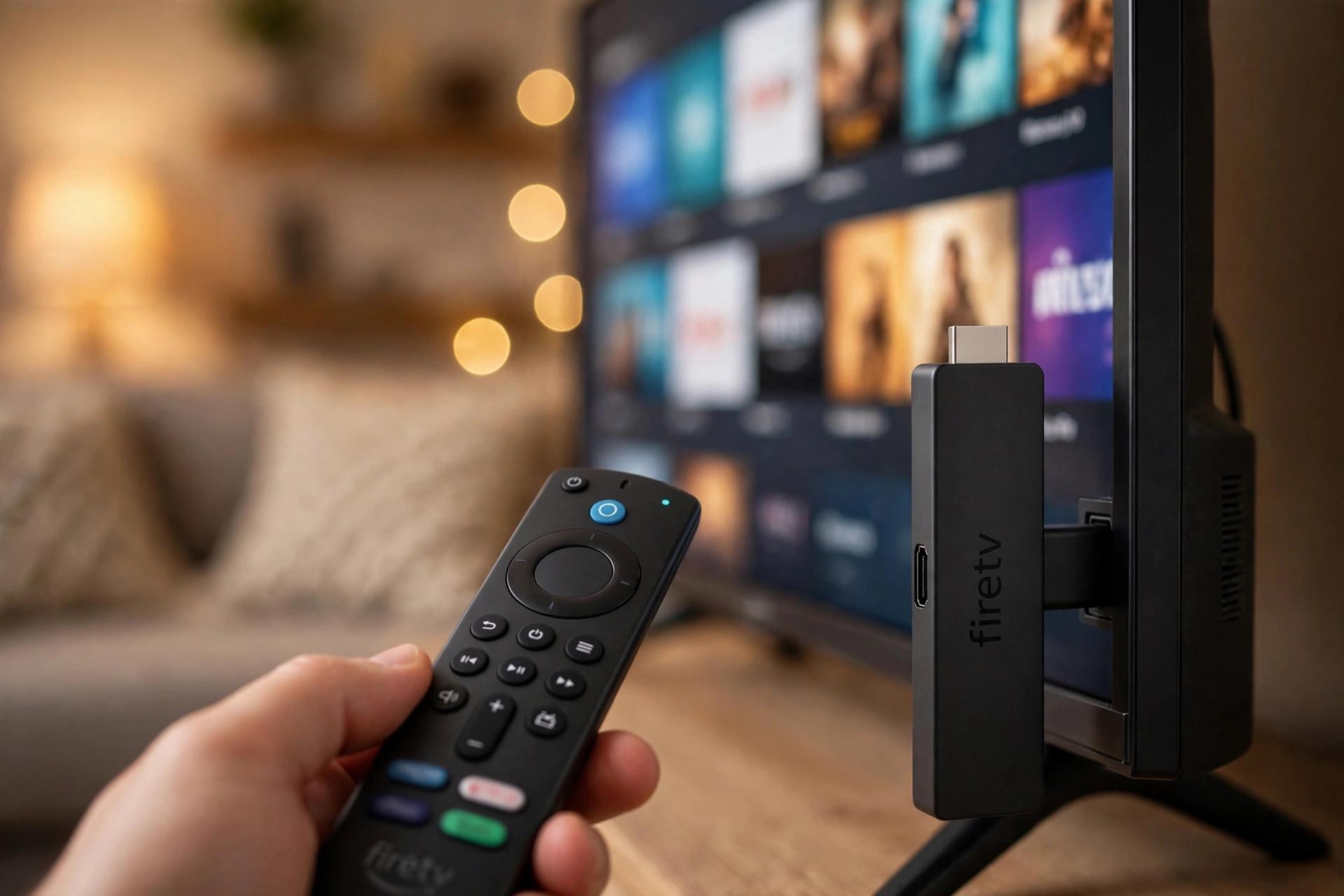
A Fire TV Stick, Stick 4K, Stick 4K Max or Fire TV Cube, a TV with a free HDMI port, and a home Wi-Fi network are the only hardware you need. The Firestick 4K Max is the sweet spot for most living rooms: it has a faster processor than the basic Stick, 16 GB of storage, Wi-Fi 6, and it handles 4K HDR10+ without stuttering. Plug the stick into HDMI, connect the power adapter to a wall outlet rather than the TV USB port, and finish the Amazon sign-in so the Appstore works. You also need the login details that arrive on WhatsApp after you start the free trial — a username, a password and a server URL for Xtream Codes players, or a MAC address and key for IBO Pro Player.
Before you touch a setting, check your internet speed on the Firestick itself. Open Settings, then Network, highlight your Wi-Fi name and press the Play/Pause button to run the built-in speed check. Live HD needs about 10 Mbps, 4K needs 25 Mbps, and a house where two people watch at once should have 50 Mbps or more to spare. A 5 GHz Wi-Fi network beats 2.4 GHz for streaming because the band is less crowded, though the signal drops faster through walls. If the stick sits behind the TV in a cabinet, the optional Ethernet adapter for Fire TV — about $15 on Amazon — removes Wi-Fi from the equation entirely and is the single best upgrade for anyone who sees buffering every evening.
Enable apps from unknown sources on your Firestick
Amazon blocks sideloaded apps by default, so the first job is a one-time permission change. From the home screen, open Settings, scroll to My Fire TV, open Developer Options, and switch on Apps from Unknown Sources. On newer Fire OS builds the Developer Options row is hidden until you tap the About entry seven times — press the center button on your remote on the device name row until a countdown appears, then go back and the row shows up. When the warning pops up, confirm it: you are allowing installs from Downloader, a well-known utility app, and nothing else changes on the stick. This permission stays on, so you only do it once, and it does not affect the Amazon Appstore, Netflix, Prime Video or any other app you already use.
While you are in Settings, turn on ADB Debugging in the same Developer Options menu. It lets Downloader hand the downloaded file to the installer cleanly, and it is also what remote support uses if you ever ask the team to walk you through a fix on WhatsApp. Go back to the home screen and hold the Home button to reach the Apps library, so you can see everything installed. If the stick already has an old player app from a previous provider, leave it alone for now — you can remove it later from Settings, then Applications, then Manage Installed Applications, once the new setup is working and you know you will not need the old login again.
Install Downloader and IBO Pro Player on Firestick
Downloader is the tool nearly every Firestick owner uses to install apps that are not in the Amazon Appstore. Search for Downloader in the Appstore, install the orange app by AFTVnews, and open it. The first launch asks for permission to access files — allow it. Type the download address you receive on WhatsApp into the URL bar and press Go. The file downloads in seconds on a decent connection, and the installer screen appears with an Install button at the bottom right. Press it, wait for the App installed confirmation, then press Done — do not press Open yet, because you still need the MAC address and key from the app home screen, and opening from the installer skips nothing but saves no time either.
- Open Settings, then My Fire TV, then Developer Options, and turn on Apps from Unknown Sources and ADB Debugging.
- Install Downloader from the Amazon Appstore and allow it to access files on first launch.
- Enter the download address from WhatsApp into Downloader and press Go to fetch IBO Pro Player.
- Press Install on the installer screen, then Done, and open IBO Pro Player from the Apps library.
- Write down the MAC address and the key shown on the IBO Pro Player home screen exactly as displayed.
- Send the MAC address and key to support on WhatsApp and wait for the activation reply, usually a few minutes.
- Restart IBO Pro Player and let the playlist, channel groups and TV guide load completely before zapping.
- Press and hold Home, open Apps, highlight IBO Pro Player, press Menu and choose Move to Front so it sits on the home screen.
IBO Pro Player is the recommended player for Firestick because it is light, it starts fast, and its interface is built for a remote: big channel groups on the left, a channel list in the middle, and the programme guide a single press away. The app itself is free to install, and activation of the playlist is what turns it into your TV service. If Downloader ever refuses a download, the usual cause is a mistyped address — URLs are case-sensitive, and a single wrong letter sends you to an error page. Copy the address from the WhatsApp message character by character, or ask support to resend it. Once IBO Pro Player is installed, you can delete the downloaded APK file from Downloader to free storage space.
Log in with Xtream Codes and load your playlist
If you prefer TiviMate or IPTV Smarters Pro instead of IBO Pro Player, the login works differently: those players use Xtream Codes API, which is a username, a password and a server URL. Open the player, choose Add Playlist or Login with Xtream Codes API, and type the three values exactly as they arrived on WhatsApp. Usernames and passwords are case-sensitive, and the server URL must start with http:// or https:// and end with the port number the message shows — do not add a trailing slash or extra path. Press Add User or Login, and the app downloads the channel list, the movie and series catalogues, and the EPG data. On a first login that takes one to three minutes; the progress bar may sit at a percentage for a while while the guide data arrives, which is normal.
When the playlist loads, check the channel groups first. A full subscription shows groups for USA locals, sports, news, movies, kids, Latino, international and more, plus separate Movies and Series sections. If a group is missing, the usual cause is a playlist that has not finished syncing — wait two minutes and pull to refresh, or close the app fully from Settings, then Applications, then Manage Installed Applications, then Force Stop, and reopen it. Never share your login details with anyone else: one subscription is tied to one household, and a second device logging in with the same credentials can lock the line. The plans page shows multi-device yearly plans if the family needs two, three or four screens at once, and the TiviMate setup guide walks through the same login inside the most popular Firestick player app.
Set up the EPG TV guide on Firestick
The EPG is the programme guide that tells you what is on now and next, and it is what turns a channel list into a television. In IBO Pro Player the guide loads automatically with the playlist, and pressing the Guide button on the remote shows the grid for the current channel group. In TiviMate, open Settings, then EPG, and confirm the guide source is set to update on app start; a manual update from the same menu pulls fresh data when a channel shows No information. The guide covers roughly the next 24 hours on most channels and a full week on the major US networks, and it refreshes every time the app opens. If the guide is blank on a single channel, that channel simply has no guide data from the source — switch to another channel and check whether the grid fills in there before assuming something is broken.
Catch-up TV rides on the EPG: channels with a small clock icon in the guide let you scroll back and watch programmes that already aired, usually up to 24 or 48 hours. That is the easiest way to catch a game you missed without recording anything. To keep the guide fast, set the EPG update to run once a day rather than every hour, and clear the app cache from Settings, then Applications, then Manage Installed Applications, then IBO Pro Player, then Clear Cache, once a month. Clearing cache never deletes your login or playlist; it only removes temporary guide files. The EPG setup guide covers guide sources, time-zone fixes and catch-up in more detail, and the install page has the same steps for every other device in the house.
Best Firestick settings for 4K IPTV
Picture settings decide whether a 4K stream actually looks like 4K. On the Firestick, open Settings, then Display & Sounds, then Display, and set Video Resolution to Auto up to 4K Ultra HD so the stick negotiates the best mode your TV supports. Turn on Match Original Frame Rate so 24 fps movies play at 24 fps instead of being converted to 60 fps, which removes the faint judder you see on slow camera pans. Set Dynamic Range Settings to Adaptive so HDR10+ and Dolby Vision content switches the TV into HDR mode automatically, and leave Color Depth on Auto. If your TV is a 1080p set, the stick downscales 4K streams cleanly, so there is nothing to change — the same subscription looks sharp on both.
| Setting | Where to find it | Recommended value |
|---|---|---|
| Video resolution | Settings, Display & Sounds, Display | Auto up to 4K Ultra HD |
| Match frame rate | Settings, Display & Sounds, Display | On |
| Dynamic range | Settings, Display & Sounds, Display | Adaptive |
| Audio | Settings, Display & Sounds, Audio | Best Available |
| Wi-Fi band | Settings, Network | 5 GHz where the signal is strong |
Audio matters as much as picture on movie night. Under Settings, then Display & Sounds, then Audio, choose Best Available so the stick passes Dolby Digital Plus through to a soundbar or AV receiver over HDMI ARC. If the sound is out of sync with lips, the fix is in the same menu: Audio/Video Sync lets you nudge the delay in milliseconds, and most TVs also have an AV Sync or Lip Sync setting of their own. Set only one of them, not both, or the two corrections add up. The Firestick 4K Max also supports Dolby Atmos on supported apps and streams, and the setting to enable it sits in the same Audio menu. A cheap HDMI cable can silently cap you at 1080p, so use the HDMI extender cable that came in the box and keep the stick away from the hot back of the TV.
Firestick IPTV not working? Quick fixes that work
A black screen on one channel while others play is almost always that channel's feed, not your setup. Wait thirty seconds, change channel and come back — feeds rotate and recover on their own. If every channel buffers, run the Firestick speed test again and compare it with the 25 Mbps that 4K needs; a stick that tested fine in the morning can slow down at 8 PM when the whole street streams. Restart the Firestick by holding Select and Play/Pause together for five seconds — a full restart clears the memory and fixes more problems than any settings change. If the app crashes on launch, clear its cache first, and only clear data as a last step, because clearing data wipes the login and you will need the credentials from WhatsApp again. If the picture keeps freezing on every channel instead of just one, work through the buffering fix guide before you change anything else.
The error most people meet is a login failure after typing the password by hand. The Firestick on-screen keyboard is slow and easy to mistype on, so use the Fire TV app on your phone as a keyboard — it types far faster and you can paste the password from the WhatsApp message. If the app says the playlist failed to load, check the date and time on the stick under Settings, then Preferences, then Time Zone: a clock that is hours off breaks the secure connection to the server. Set it to automatic and restart. When none of that helps, message support on WhatsApp with the exact error text on screen and the channel name; a screenshot from your phone gets the fastest answer, and the team can check the line from their side in under a minute.
Plans, pricing and the free trial
Every setup on this page works with the free 24-hour trial, which is the honest way to test before paying. Message support on WhatsApp, get the login, run through the steps above, and watch at peak evening hours — a trial at 8 PM tells you far more than a trial at 10 AM. If the picture holds up during a live NFL game, it will hold up any night. Basic starts at $14.99 for one month and $59.99 for twelve, with 10,000+ channels and 80,000 movies and series in HD and Full HD. Premium starts at $19.99 for one month and $99.99 for twelve, with 57,000+ channels, 185,000 movies and series, 4K and 8K, and all sports and pay-per-view. The refund policy covers the 7-day money-back window, and the plans page lists every duration and the multi-device yearly prices.
- Start the free 24-hour trial on WhatsApp and test at 8 PM, not 10 AM.
- Use the Firestick 4K Max for the smoothest 4K, or any Fire TV Stick for HD.
- Keep Apps from Unknown Sources on so future player updates install cleanly.
- Add IBO Pro Player or TiviMate to the home screen front row for one-click TV.
- Message support with a screenshot if any error appears — it gets the fastest fix.